
CRM Malaysia allows you to upload files either while creating new task or add a new file after the task is created. It is useful to have files attached to the task especially when pictures or PDF files are commonly involved.
We will demonstrate on how to upload a file from an existing task list.
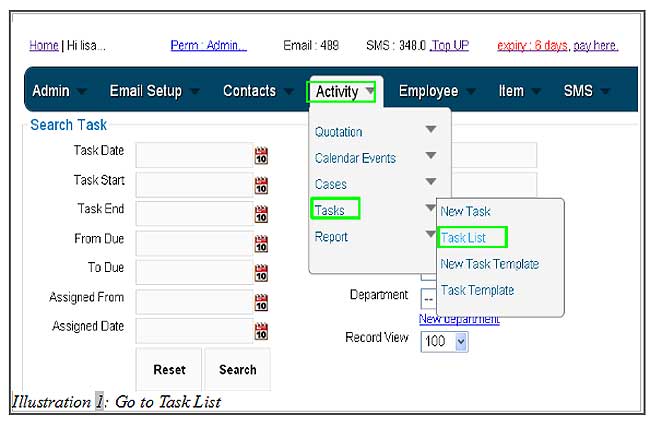
1. Click on Activity > Tasks > Task list as illustrated below.
Please click on image to view clearer.
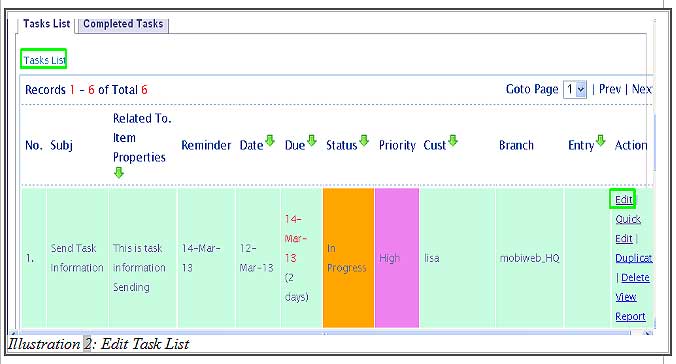
2. You would see a list of tasks. Select the task that you would like to upload the file to and click on Edit at the last column as illustrated below.
Please click on image to view clearer.
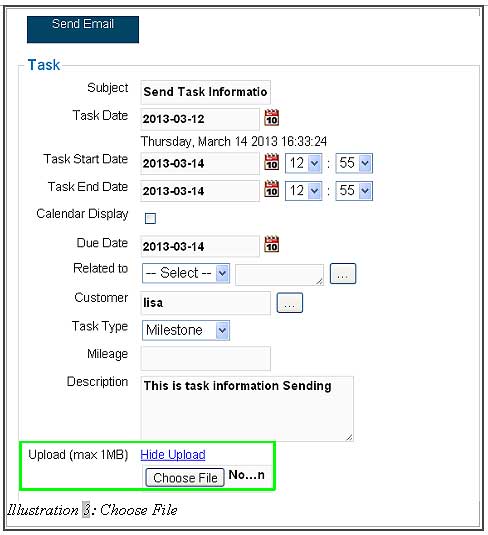
3. You are now able to upload the file by click on Upload.
Please click on image to view clearer.
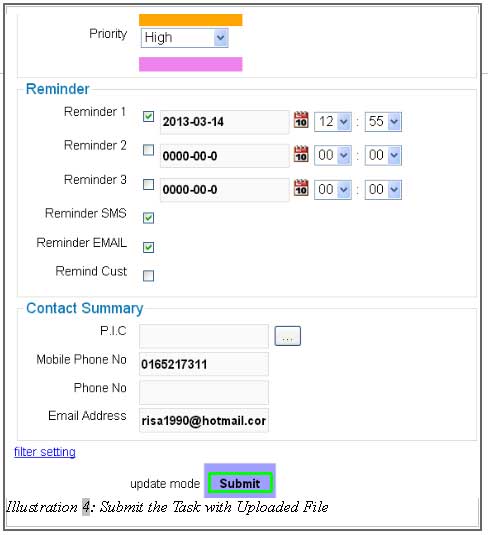
4. Click on Submit button when you have finished updating your task.
Please click on image to view clearer.
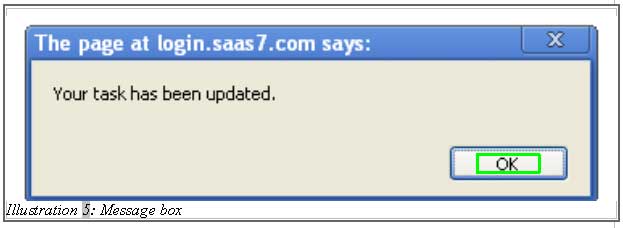
5. A message would appear to inform you that the task has been updated.
Please click on image to view clearer.