

Creating Receipts for Clients
Obviously, when there are payments made, receipts are important to prove the payment amount for your customers. Each and every single receipt that you have input into the database will be recorded.
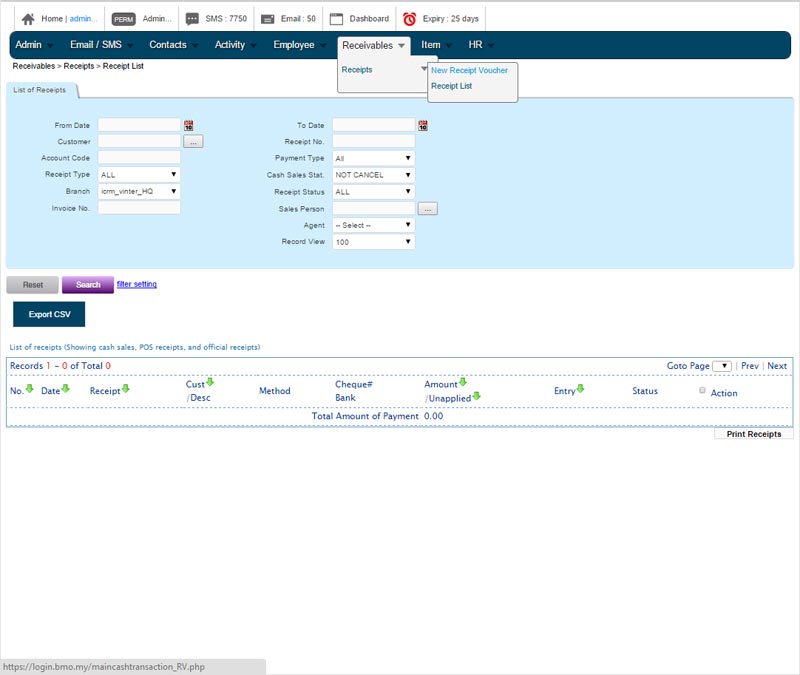
To Create New Receipt Voucher
Go to Receivables > Receipts > New Receipt Voucher and fill in all the data needed to create a receipt voucher. You are able to choose the payment type which includes ‘cash’, ‘cheque’, ‘credit card’, ‘debit card’, ‘Groupon’ and so on. Once you are done, just click save and it will automatically be recorded.
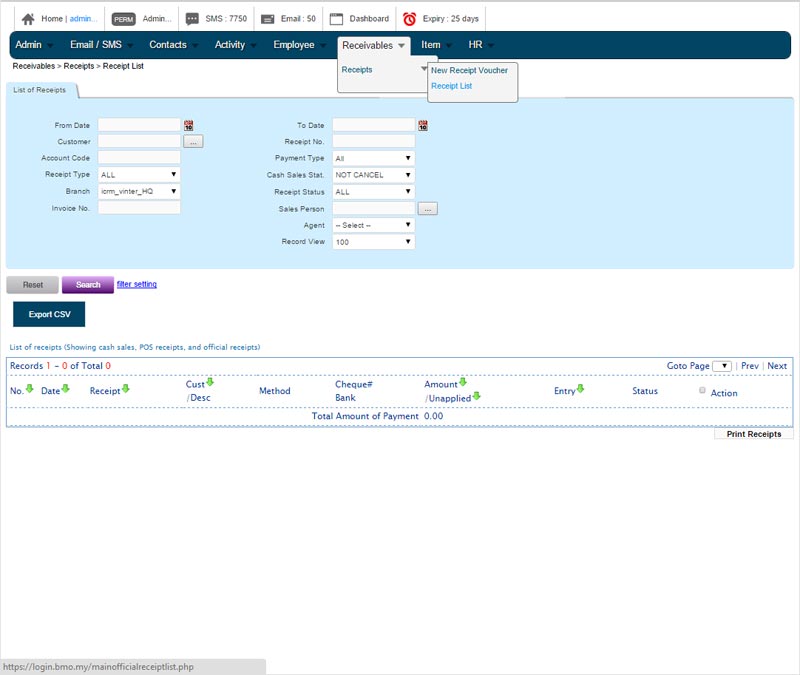
To View Receipt List
Once the data is recorded, you can view the complete receipt listing by going to Receivables > Receipts > Receipt List. You can sort by receipt number, date, amount and entry. The total amount of payment will be shown at the bottom.